What is MsgBuddy?
In one sentence
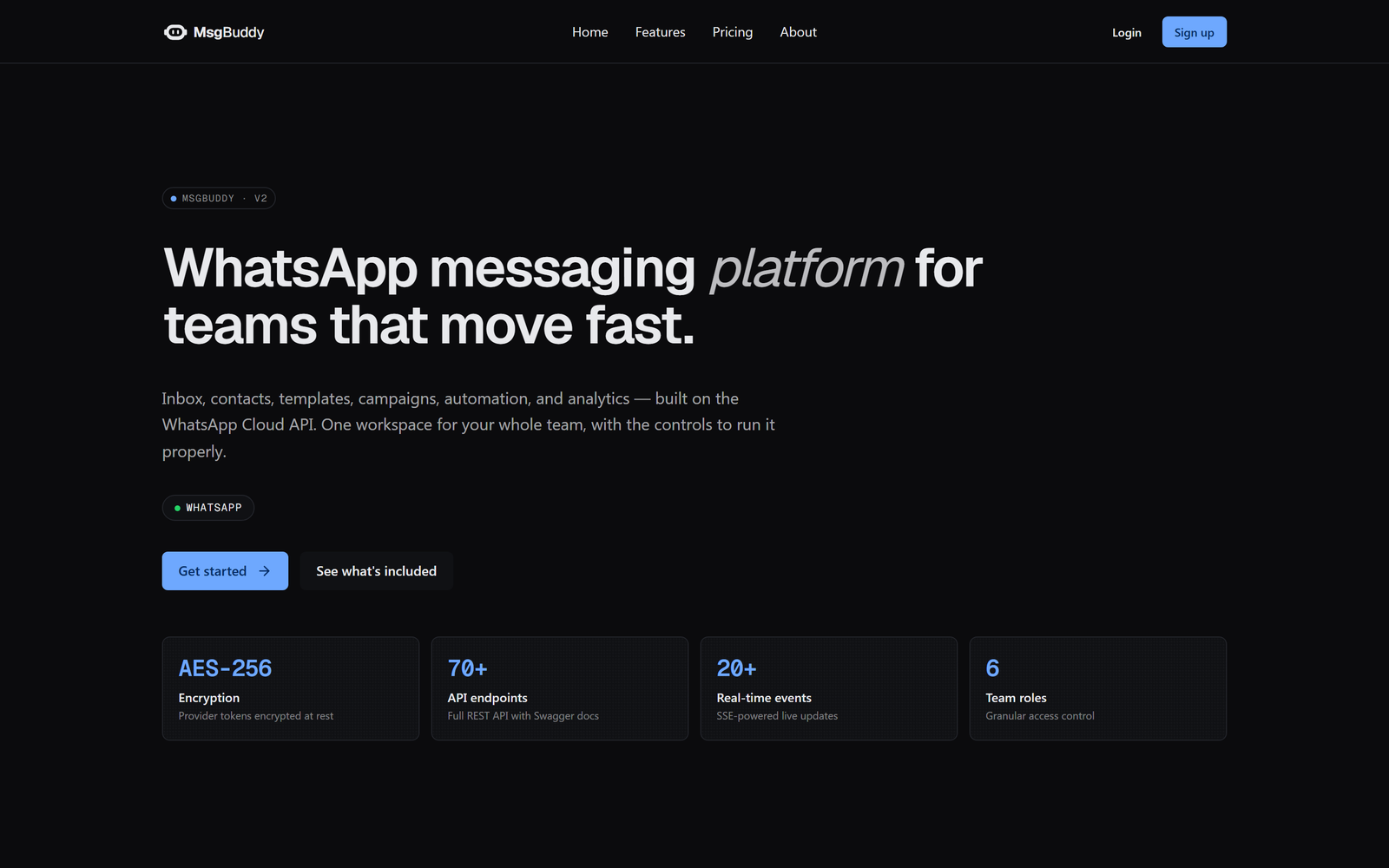
MsgBuddy is a shared workspace for running your business on WhatsApp — one place where your whole team can chat with customers, keep contacts organised, send announcements, run chatbots, and even sell products and subscriptions.
The problem it solves
WhatsApp is where your customers already are. But the WhatsApp app on your phone was built for one person, not a business:
- Only one person can hold the phone. Your team can’t share it.
- There’s no customer list, no tags, no notes, no history beyond the chat.
- You can’t send a polite announcement to 2,000 customers without breaking the rules (or your thumbs).
- There’s no way to auto-reply at 2 a.m., answer FAQs, or take orders automatically.
MsgBuddy sits on top of the official WhatsApp Business Platform (Meta’s “Cloud API”) and turns that single phone number into a proper business tool that a whole team can use at once.

You keep your own WhatsApp number and your own WhatsApp Business Account. MsgBuddy doesn’t replace WhatsApp — it connects to your official business account and gives your team a powerful control panel for it. Your customers still just see plain WhatsApp.
Who it’s for
| You are… | MsgBuddy helps you… |
|---|---|
| A shop or restaurant owner | Take orders, answer questions, and send offers — without giving out your personal number. |
| A support team | Share one inbox, assign chats to teammates, and never lose a conversation. |
| A marketing team | Send approved announcements to segments of your audience and measure the results. |
| A subscription business (milk, tiffin, laundry) | Run recurring deliveries with reminders and a prepaid wallet, all over WhatsApp. |
| A developer | Plug WhatsApp into your own apps with a REST API and webhooks. |
What you can do with it
Here’s the whole toolbox. Each of these has its own chapter later — this is just the map.
- 💬 Unified Inbox — every WhatsApp conversation in one screen. Assign chats to teammates, see who’s typing, and track whether each message was delivered and read.
- 👥 Contacts & CRM — a proper address book. Tag people, add custom fields, group them into segments, and track where each one is in your sales funnel.
- 📝 Templates — WhatsApp requires businesses to use pre-approved messages when they reach out first. MsgBuddy helps you write them, submit them to Meta, and track approval.
- 📣 Campaigns — send one template to a whole segment (say, “all customers in Mumbai”) at a safe, throttled pace, and watch the delivery numbers climb live.
- 🤖 Automation & Bots — auto-reply to keywords, greet first-time messagers, answer after hours, build visual chat “flows”, or let an AI assistant answer from your own docs.
- 🛍️ Commerce — show your Meta product catalog right inside a chat, so customers can browse and build a cart without leaving WhatsApp.
- 🔁 Subscriptions — recurring standing orders (like a daily newspaper) with delivery schedules, skip/pause controls, a prepaid wallet, and automatic WhatsApp reminders.
- 📊 Analytics, ⚙️ Settings, 💳 Billing, and 📱 Apps — everything you need to run it properly, including desktop and mobile apps.
The one big rule to know up front
WhatsApp (Meta) is strict about not letting businesses spam people. The single most important rule — which shapes almost everything in MsgBuddy — is the 24-hour window:
Once a customer messages you, you have 24 hours to reply with any free-form message you like. Outside that window, you can only reach them with a pre-approved template.

Don’t worry about memorising this yet — MsgBuddy enforces it for you and warns you before you break it. We explain the 24-hour window in full, with a timeline diagram, in The Inbox → The 24-hour window. It’s worth reading twice.
How MsgBuddy is structured (the “workspace”)
Everything you do in MsgBuddy lives inside a Workspace. A workspace is your business’s private space — its own contacts, conversations, templates, team members, and settings. Nothing leaks between workspaces.
If you run more than one brand, you can have more than one workspace and switch between them. Your teammates are invited into a workspace and given a role that controls what they can see and do.

Think of a workspace like a shop floor: the WhatsApp number is the front door, your team are the staff (each with a role and a set of keys), your contacts are the regulars, and the inbox is the counter where all the conversations happen.
Next: see how all the pieces fit together →